
What Is AI Automation For Electricians?
AI automation for electricians is a set of connected systems that handles repeatable office tasks around an electrical job. It can receive an enquiry, ask for the basics, send the details to the right person, trigger follow-up and keep records moving without someone copying information between inboxes, phones and spreadsheets.
It is not a substitute for a licensed electrician, a site inspection or professional judgement. The useful applications sit around the work: responding to new leads, sorting job information, preparing a quote draft from approved inputs, prompting follow-up and asking for feedback after a completed job.
The Australian Bureau of Statistics reports that around 12% of Australian businesses used AI in 2024–25, with small and micro businesses at roughly 11% and large businesses at 35% — a significant shift from 2021–22, when adoption was far lower across all business sizes, and a sign of how fast this is moving for electricians too.
- Capture web, SMS and social enquiries in one place
- Text back missed calls with a clear next step
- Ask customers for suburb, job type, photos and preferred time
- Create a clean job summary from approved notes or voice recordings
- Send planned quote follow-ups without chasing every customer manually
- Request a Google review after a completed job
Does An AI Receptionist Answer Calls For Electricians?
At Freetide, an AI receptionist does not use a live robot voice to answer your phone. It works by sending a fast, useful text-back after a missed call, then gathering the details your team needs before a person takes over.
- The text can identify your electrical business clearly
- The customer can describe the issue in their own words
- Urgent or unsuitable requests can be routed to a defined escalation path
- Your team decides when to call, quote, book or decline the job
Where AI Fits In An Electrical Business
AI is most helpful where the same information is repeatedly collected, rewritten or chased. Think of it as an admin layer around your existing phone, inbox, job system and customer list, rather than a new electrical workflow imposed on the crew.
- Before the job: lead capture and qualification
- During the job: notes, photos and handover summaries
- After the job: quote reminders, invoice prompts and review requests
Which Electrical Business Tasks Should You Automate First?
Start with the bottleneck that costs attention every day, not the flashiest AI feature. For most electrical businesses, the strongest first project is the gap between a new enquiry arriving and a customer receiving a useful response.
A good first automation is narrow enough to test and clear enough to measure. If the office is constantly asking who owns a lead, whether a quote was sent or what a customer called about, that is a better place to start than trying to automate the whole business at once.
- New lead acknowledgement and detail collection
- Missed-call text-back
- Quote follow-up for open quotes
- Job completion review request
- Daily team summary of new enquiries and overdue actions
Lead Intake For Electricians
A lead intake flow collects the details needed to decide the next move. For electrical work, that may include suburb, property type, whether the customer is an owner or tenant, the issue, urgency, photos, switchboard details and preferred contact time.
- Separate emergency-style enquiries from routine booking requests
- Send commercial, residential and property-management work down different paths
- Give office staff a complete starting point before they call back
- Avoid asking a customer to repeat the same details to several people
Quote Follow-Up For Electrical Work
Quote follow-up automation gives approved quotes a consistent second and third touch without pretending every customer is ready to buy. Messages should be based on your actual sales process, pause when a customer replies and hand the conversation back to a person when pricing, scope or timing needs discussion.
- Use different timing for fault work, renovations and larger projects
- Stop follow-up once the job is accepted, declined or no longer relevant
- Give customers a simple way to ask a question or opt out
- Keep the message helpful rather than pushy
Job Notes And Photo Summaries
Job-note automation turns scattered information into a consistent internal record. An electrician can leave a voice note or send site photos, then receive a draft summary for review before it is saved or sent anywhere important.
- Keep original notes and photos available for reference
- Require staff approval before using a draft in a customer-facing document
- Use standard fields for materials, labour, defects and next actions
- Do not treat a generated summary as a compliance certificate
How Does Missed-Call Text Automation Work For Electricians?
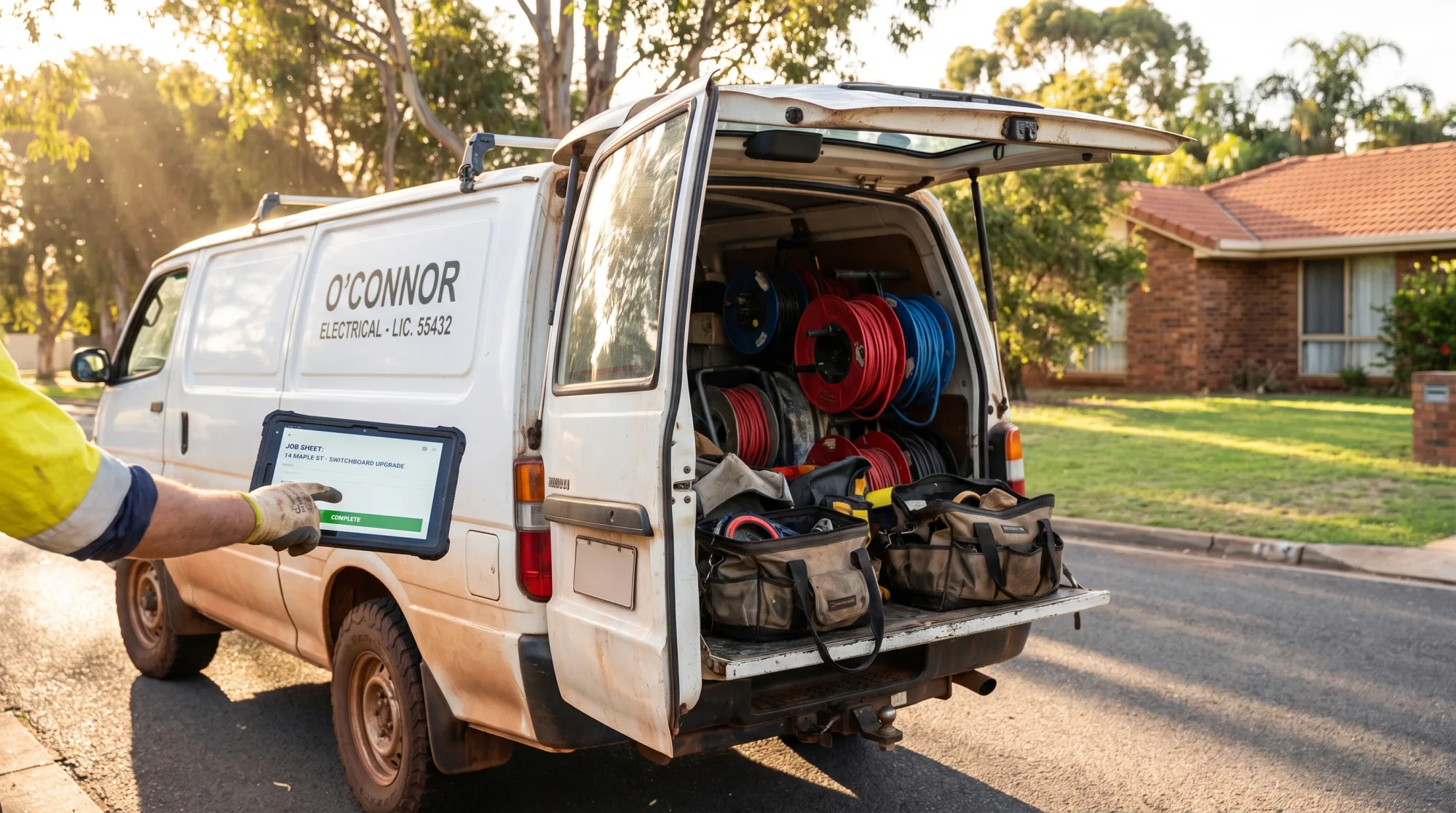
Missed-call text automation sends a message after an unanswered call and invites the customer to share enough information for the right callback. It is designed for the reality of electricians working in ceiling spaces, switchboards, plant rooms and occupied homes where stopping to answer every call is not always possible.
The message should set expectations rather than overpromise. It can say that the team is currently on site, ask what electrical work is needed and give the customer a route to provide a suburb, photos or a preferred callback time.
- Trigger a text after a missed business call
- Identify the business and explain why the message was sent
- Collect details through a short conversational flow
- Send a summary to the nominated office or field team member
- Escalate defined urgent keywords to a human process
Worked Example: A Melbourne Switchboard Enquiry
A homeowner in Preston calls a Melbourne electrical business at 10.40 am while the owner is testing a fault at another property. The call is missed, so the customer receives a text asking for their suburb, whether there is immediate danger, a short description and photos of the switchboard if safe to provide. They reply that breakers are repeatedly tripping and upload two photos. The system sends the summary to the office queue, tags it as a same-day assessment request and prompts a staff member to call the customer back. No robot voice has answered the call, and a person still decides the urgency, availability and price.
- The customer gets an immediate acknowledgement
- The callback starts with useful context
- The electrician is not asked to type notes while on site
- The workflow does not diagnose a fault or give electrical safety advice
What A Missed-Call Flow Should Not Do
A text-back flow should not claim that an electrician is on the way, diagnose a dangerous fault, promise a fixed price or make a booking that the team cannot honour. It should collect information and make it easy for a qualified person to take responsibility for the next step.
- Do not provide technical instructions that could create risk
- Do not state attendance times unless connected to a confirmed schedule
- Do not imply a job is accepted before your team has reviewed it
- Do not bury the fact that the customer is messaging an automated service
Can Electricians Use AI Without Handing Over Technical Responsibility?
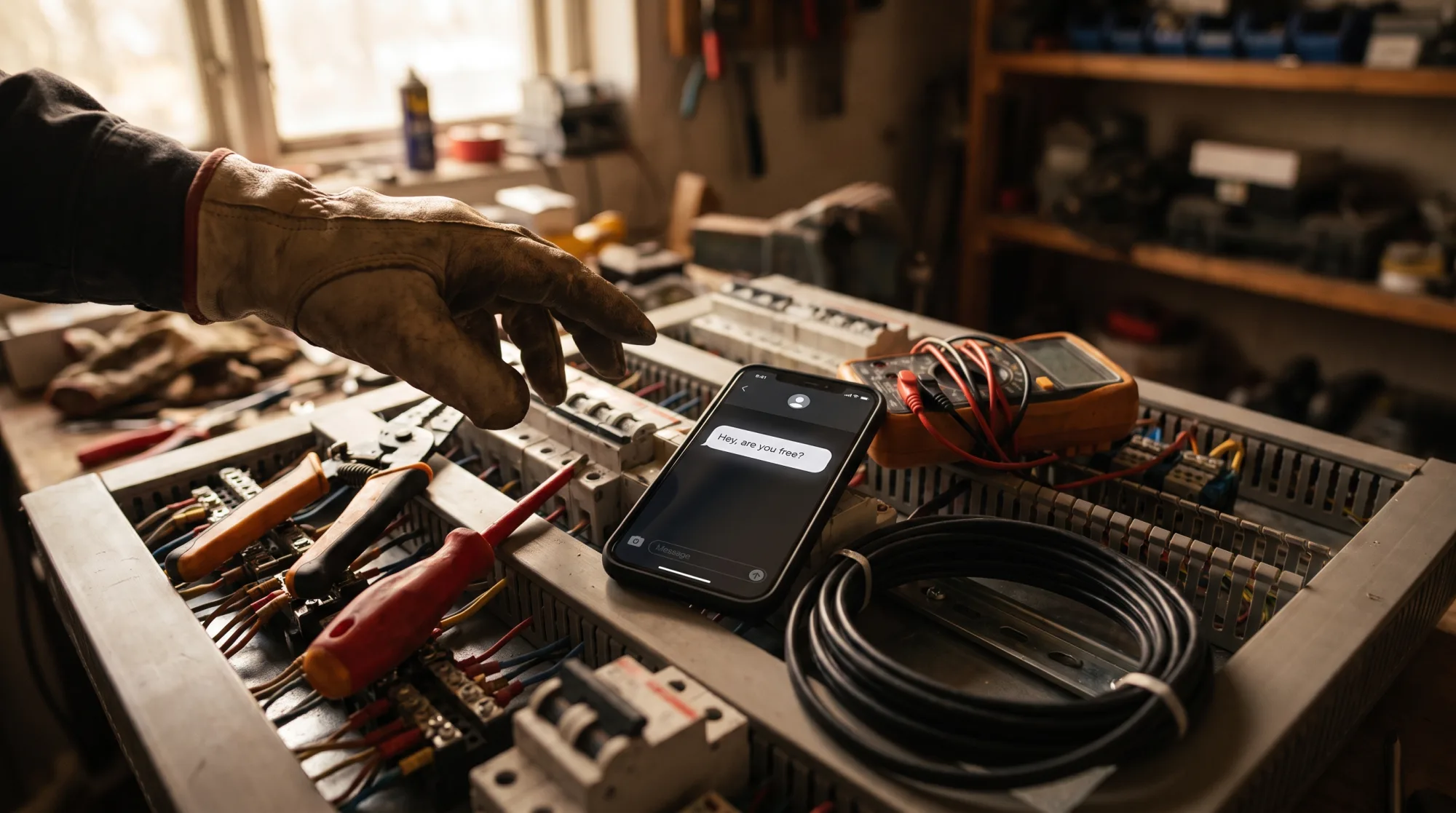
Yes. Electricians can use AI for administration while retaining full control over electrical decisions, job scope and compliance work. The safest boundary is simple: automation can organise information and prepare drafts, but a qualified person reviews anything that affects technical advice, safety, pricing, certification or the customer commitment.
That boundary also makes adoption easier for the team. Rather than asking electricians to trust a black-box system, build automations that reduce typing, surface the right details and make the existing process easier to follow.
- Use AI to draft, sort, summarise and prompt
- Use human approval for electrical guidance and customer commitments
- Keep safety-critical judgement with the licensed electrician
- Record who reviewed important customer-facing outputs
Where Human Review Is Essential
Human review is essential before sending a quote, interpreting site conditions, recommending repairs, confirming a booking that affects crew allocation or issuing any document connected to compliance. A draft can save time, but it is still only a draft until the responsible person checks it against the real job.
- Quotes and variations
- Scope descriptions
- Safety-related communications
- Compliance records and certificates
- Final customer commitments
How To Keep Automation Useful On Site
Site teams are more likely to use a system when it takes less effort than the workaround. A practical setup might let a technician send one voice note after a job, receive a structured draft and approve or correct it in a familiar channel before the office system is updated.
- Keep forms short enough for field use
- Use the same language your team uses on jobs
- Build exception paths for unusual jobs
- Review failed or incomplete submissions regularly
How Should Electricians Handle Privacy And Customer Data?
Electricians should decide what customer data an automation needs, where it will be stored, who can access it and how long it should remain available. Good automation design collects only the details needed for the next action instead of creating a large, uncontrolled pool of customer information.
Most small trade businesses sit under the $3 million turnover threshold and outside the Privacy Act, though health service providers and anyone trading in personal information are covered regardless. Even where the Act does not apply, sensible data handling protects customers and reduces the chance that sensitive job information is shared more widely than intended.
- Map the information collected at each step
- Avoid collecting sensitive details that are not needed
- Limit system access by role
- Check how third-party tools store and process data
- Set a process for correcting or deleting inaccurate customer records
What Customer Details Does A Lead Flow Need?
For a normal electrical enquiry, a business often needs only contact details, suburb, job type, a description, photos where relevant and preferred contact time. Build questions around the decision you need to make next, rather than asking for every possible detail at the start.
- Ask for photos only when they will help triage the request
- Avoid putting private access details into broad team notifications
- Keep internal notes separate from messages intended for customers
- Make sure staff know where the source record lives
How To Review AI Tools Before Connecting Them
Before connecting an AI tool to your inbox, CRM or job management platform, check what information it receives, whether access can be restricted and what happens when the account is closed. Your process should also cover who can change prompts, automations and message templates.
- Use business-owned accounts where possible
- Remove access for departed staff promptly
- Test permissions with a non-sensitive sample workflow
- Keep an owner responsible for reviewing connected systems
Are Automated Texts And Review Requests Legal In Australia?
Automated texts can be useful, but commercial electronic messages must have consent, clear identification of the sender and a working unsubscribe under the Spam Act 2003. That applies to promotional follow-up and review-request campaigns, so message automation needs a compliant design rather than a simple send-to-everyone rule.
A plain appointment reminder carrying no advertising is generally not spam, but that does not remove the need for sensible contact practices. Keep operational messages distinct from marketing, make the sender obvious and ensure an opt-out actually works when it is required.
- Keep consent records where your process requires them
- Name the electrical business in commercial messages
- Include a working unsubscribe in commercial campaigns
- Honour opt-outs across connected marketing tools
- Avoid sending repeated review reminders
How To Ask For Google Reviews Properly
A review request should go to genuine customers after real work, with a neutral invitation to share their experience. Do not filter requests to only happy customers, offer rewards for positive reviews or pressure customers to change what they say.
- Send the request after the job is complete
- Use the same review invitation process for eligible customers
- Give customers a clear choice not to receive further messages
- Treat poor feedback as an operational signal, not something to hide
How To Separate Service Messages From Marketing
Service messages help deliver an agreed job, such as a booking confirmation or arrival update. Marketing messages promote future work, offers or broader services. Writing and automating them as separate message types makes approval, consent and unsubscribe handling much easier.
- Label message templates by purpose
- Review wording before activating a campaign
- Do not add promotions into routine reminders without checking the requirements
- Give office staff a simple process for handling opt-outs
How Do You Set Up Electrician Automation Without Disrupting The Team?
Set up electrician automation by mapping one existing workflow, building the smallest useful version and testing it with real staff before expanding. The goal is not to make every process automatic; it is to make the handover between customer, office and field crew more reliable.
Poorly fitted AI projects fail when the tool does not match the operational problem, the data is messy or the team is not brought into the change. Start with the actual path of a recent lead or job and build around the steps that repeatedly break down.
- Choose one workflow with a clear owner
- Write down the current process before changing it
- Define handoff points and escalation rules
- Test with real enquiries before a full launch
- Review messages, errors and exceptions after launch
What To Map Before Building Anything
Map where an enquiry comes from, who sees it first, what details are needed, who decides the next step and where the final record belongs. This prevents a polished automation from simply moving confusion from one inbox to another.
- Phone, web form, SMS and social channels
- Office and field-team responsibilities
- Job management software and calendar handoffs
- Urgent-job and after-hours escalation paths
- Quote, booking and lost-lead outcomes
How To Measure Whether The Workflow Helps
Measure the process you changed, not a vague promise about AI. For example, review whether every new enquiry receives a response, whether staff have enough detail for the first callback, how many open quotes lack a next action and whether customers are receiving duplicate messages.
- Response completeness
- Lead ownership clarity
- Time spent on repetitive data entry
- Quote follow-up consistency
- Customer complaints or opt-outs
What AI Automation Can Melbourne Electricians Use?
Melbourne electricians can use AI automation to create a dependable intake, demand and reputation system around the way their business already operates. Freetide builds bespoke workflows for Australian trade businesses, with a focus on practical handoffs instead of generic chatbot scripts or live AI voice answering.
The right build depends on your lead sources, team size, service area, job software and the type of electrical work you want more of. A domestic fault-finding business, a commercial maintenance contractor and a solar installer need different questions, follow-up timing and escalation rules.
- Intake systems for missed calls, web leads and enquiry qualification
- Demand systems for quote follow-up and reactivation of suitable past customers
- Reputation systems for compliant review requests and review-response workflows
- Internal systems for job summaries, handovers and daily action lists
How Freetide Builds Electrician Intake Systems
Freetide starts by mapping the lead journey from first contact to booked work. We then build a text-based missed-call response, enquiry flow and team notification process that captures useful electrical job details while giving your team control over who calls, quotes and books.
- Custom questions for your job types
- Text-back rather than a live AI voice agent
- Clear ownership and escalation rules
- Connection to the tools your team already uses where suitable
How Freetide Supports Demand And Reputation
Once lead intake is working, Freetide can connect approved quote follow-up, customer reactivation and post-job review requests. Each workflow is written around your services and customer journey, with human review points where scope, price, safety or customer care requires a person to take over.
- Quote follow-up that stops when a customer responds
- Review requests sent after completed work
- Alerts for feedback that needs attention
- Simple reporting on workflow activity and exceptions